
Show caller and
the subject of the call to your customer.
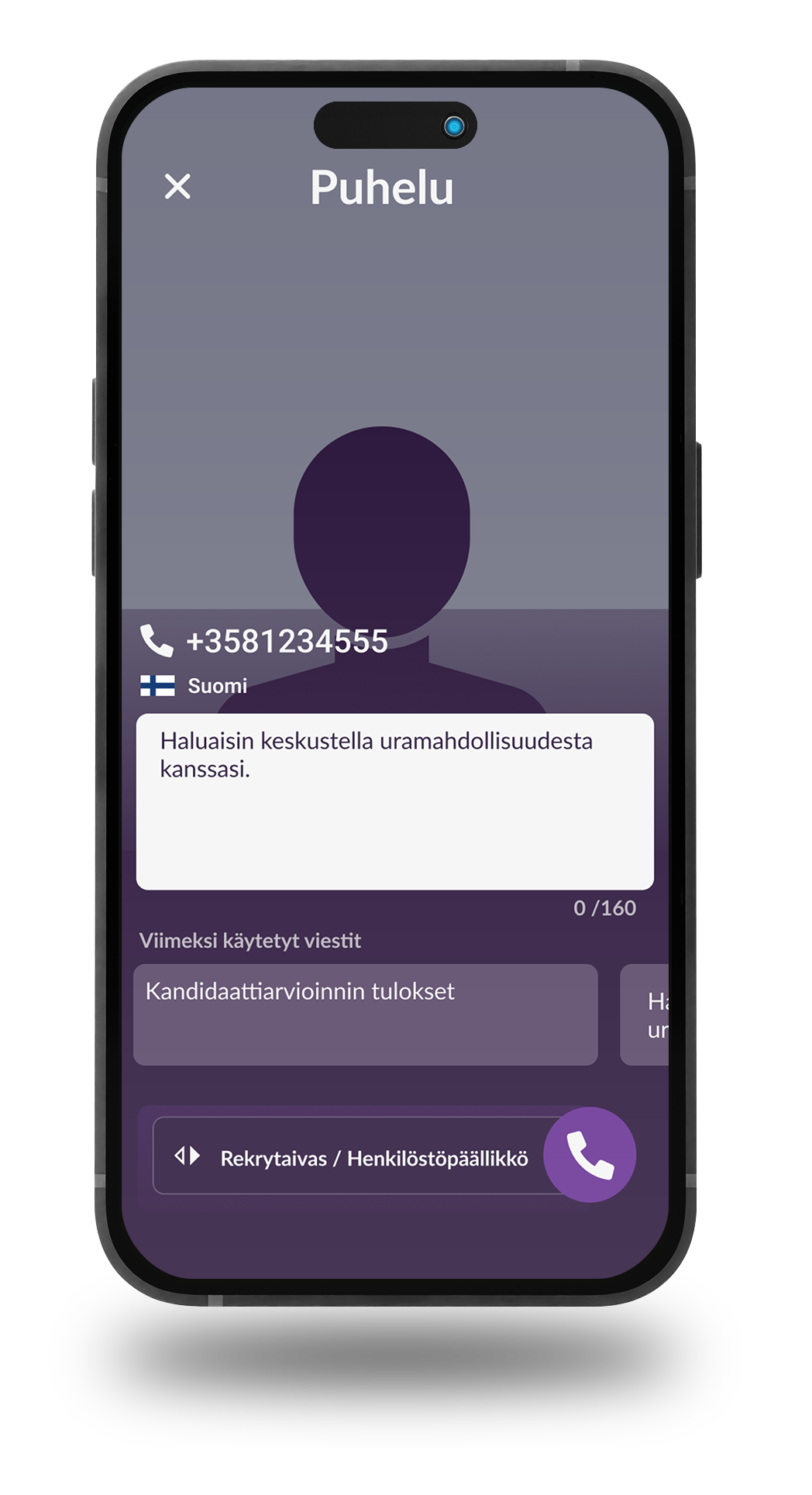
How to add a call topic to a call
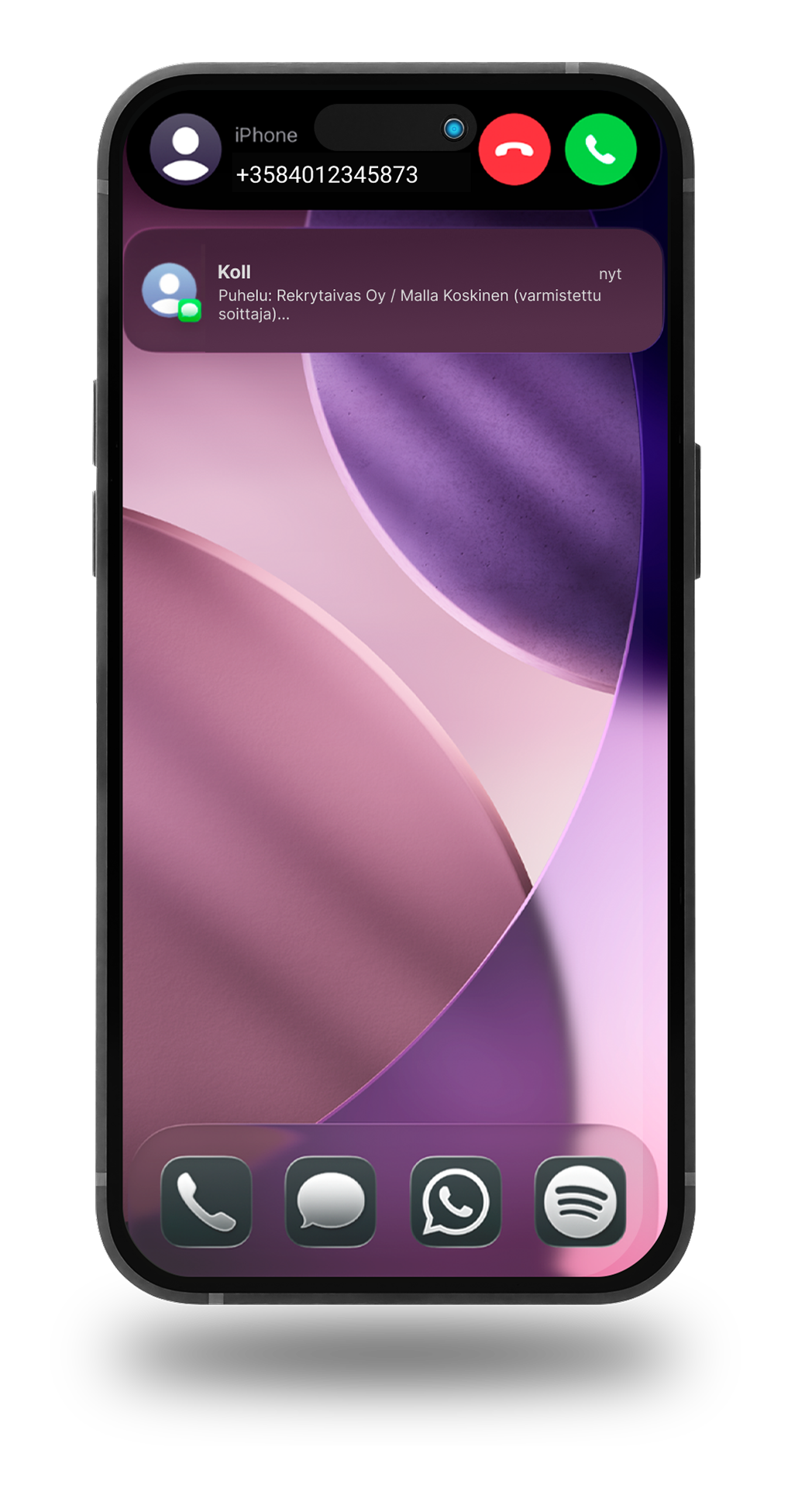
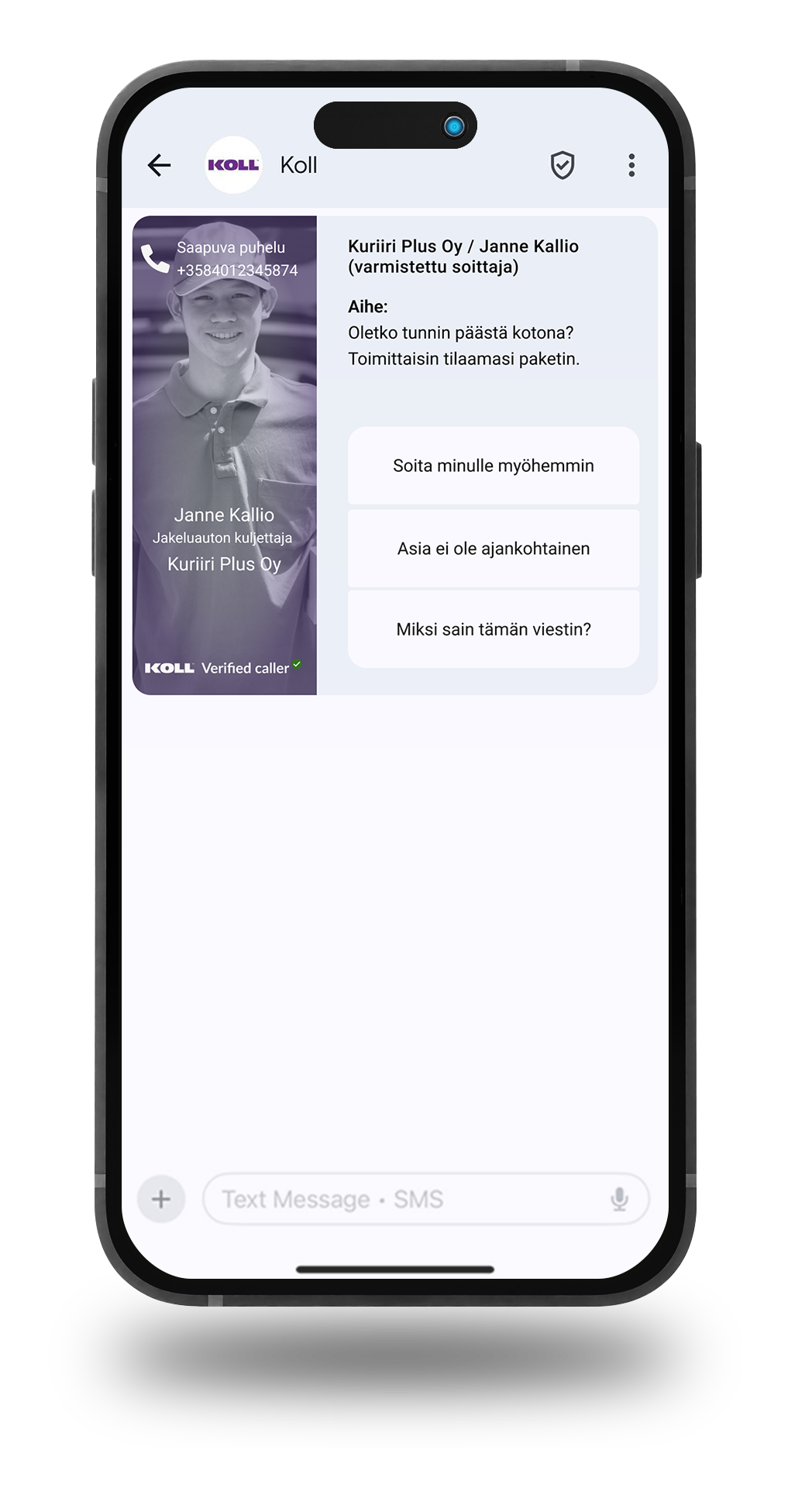
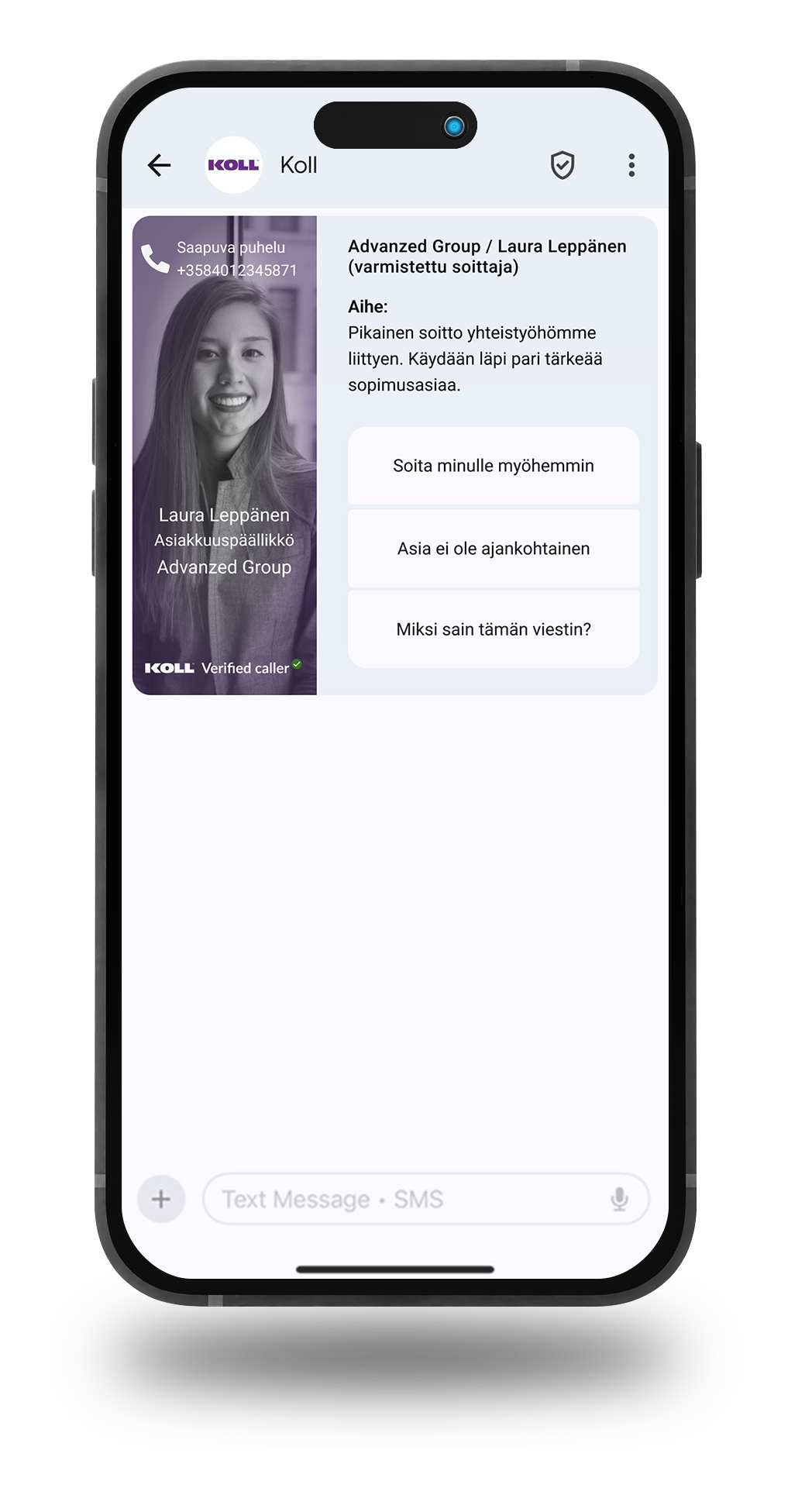
The phone screen displays a notification showing who is calling.
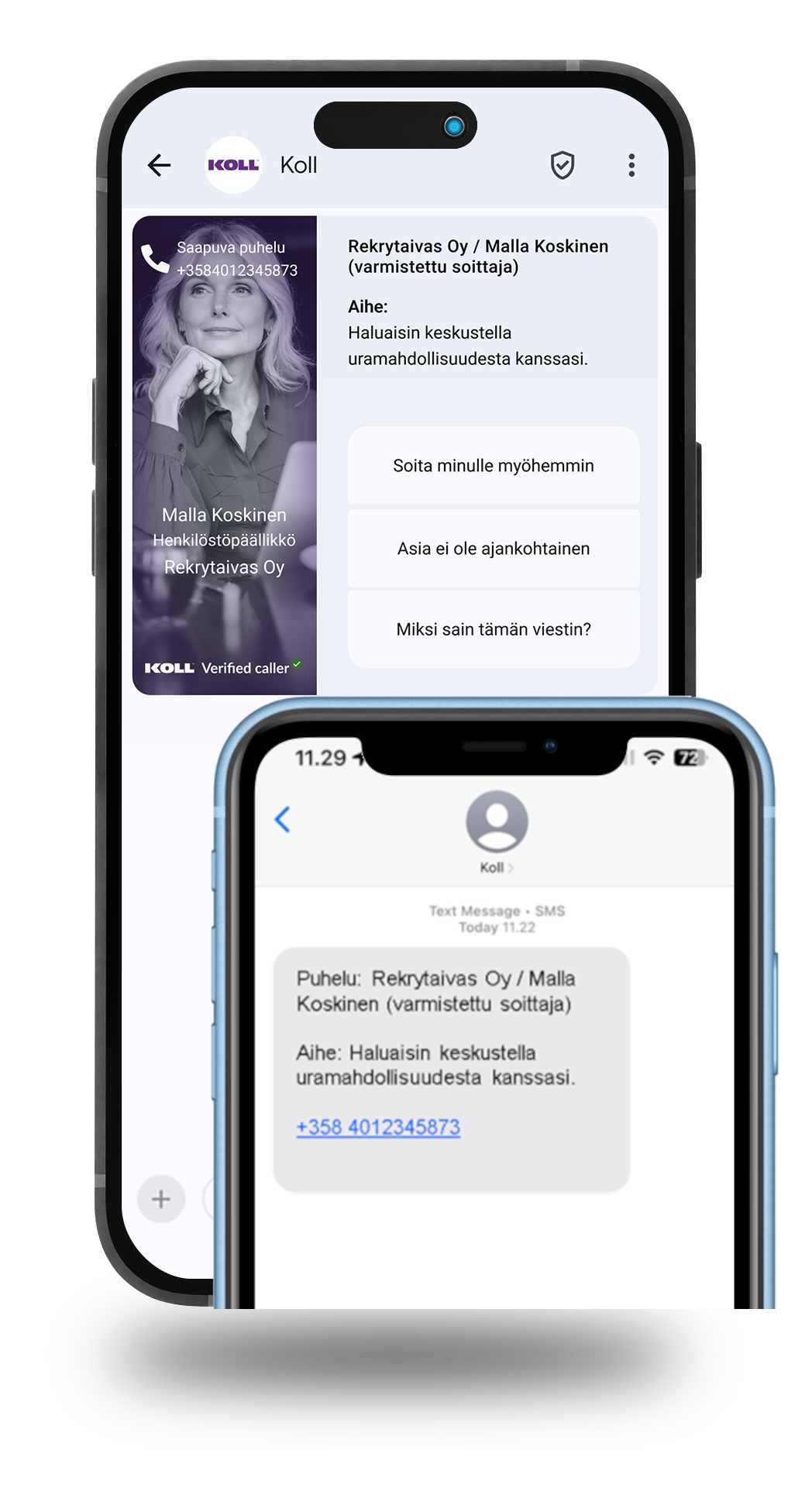
Pressing the notification displays detailed information about the caller and call response buttons. If the recipient does not support images, the information is displayed in text format.
6 reasons to choose Koll
instead of a regular phone.
1. Introduce yourself and your business = a professional way to make contact
2. Fewer unnecessary calls
3. More relevant discussions
4. Enhance your company's brand image
5. Leave a positive impression of the contact
6. Respect the recipient's freedom to prioritize their time
Book a free sparring call to discuss how Koll could help your sales and customer work.
Sales Finland

Sales Finland & ROW

Sales DACH

Download the free app


Order Koll for your business
We will be in touch with you once we receive your order, and will personally guide you through the implementation process.
Responsible companies call
contact details displayed.
With the Koll calling app, your company makes all calls so that the customer sees that the call is coming from your company. In addition, your customer will be told why they are being reached. The confidentiality and efficiency of contacting your customers will rise to a new level.
A completely new way to make and receive calls.
Your customer always knows who is reaching out to them and for what reason. Your staff can focus on serving customers, instead of fruitlessly pursuing them. When caller information and the reason for the call are visible, in most cases one call is enough.
Koll is the new standard for calls that responsible companies are adopting. Make the decision to stop calling from unfamiliar phone numbers. Your customers, your staff and your bottom line will thank you.
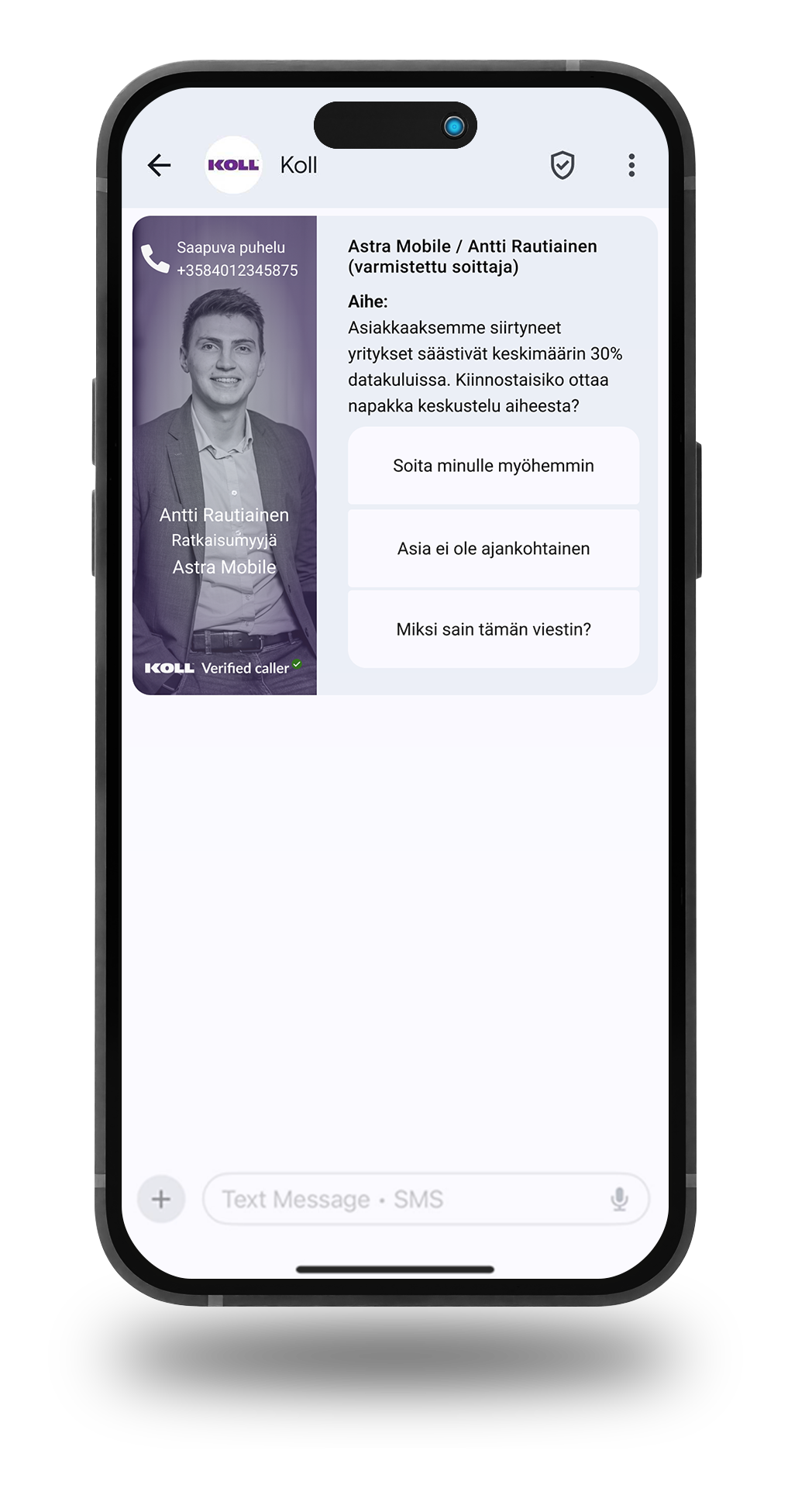
Koll Business features
100% coverage Caller details and subject of the call are displayed when calling all mobile phones. The recipient of the call does not need to have the Koll app.
Full control over calls. You have full control over what information about your company is shown on calls and who can call on your company's behalf.
How do you take Koll into use?
This is how your company becomes a Koll user:
1) Place your order here
2) Koll verifies your company information
3) Add your business users
4) Users receive invitations to connect


Let's be in touch
Do you have a question about the Koll app? Need support? Are you a media representative and want to arrange an interview? Send us a message!